Microsoft Office 2021 Review: Unleash Productivity with the Latest Features
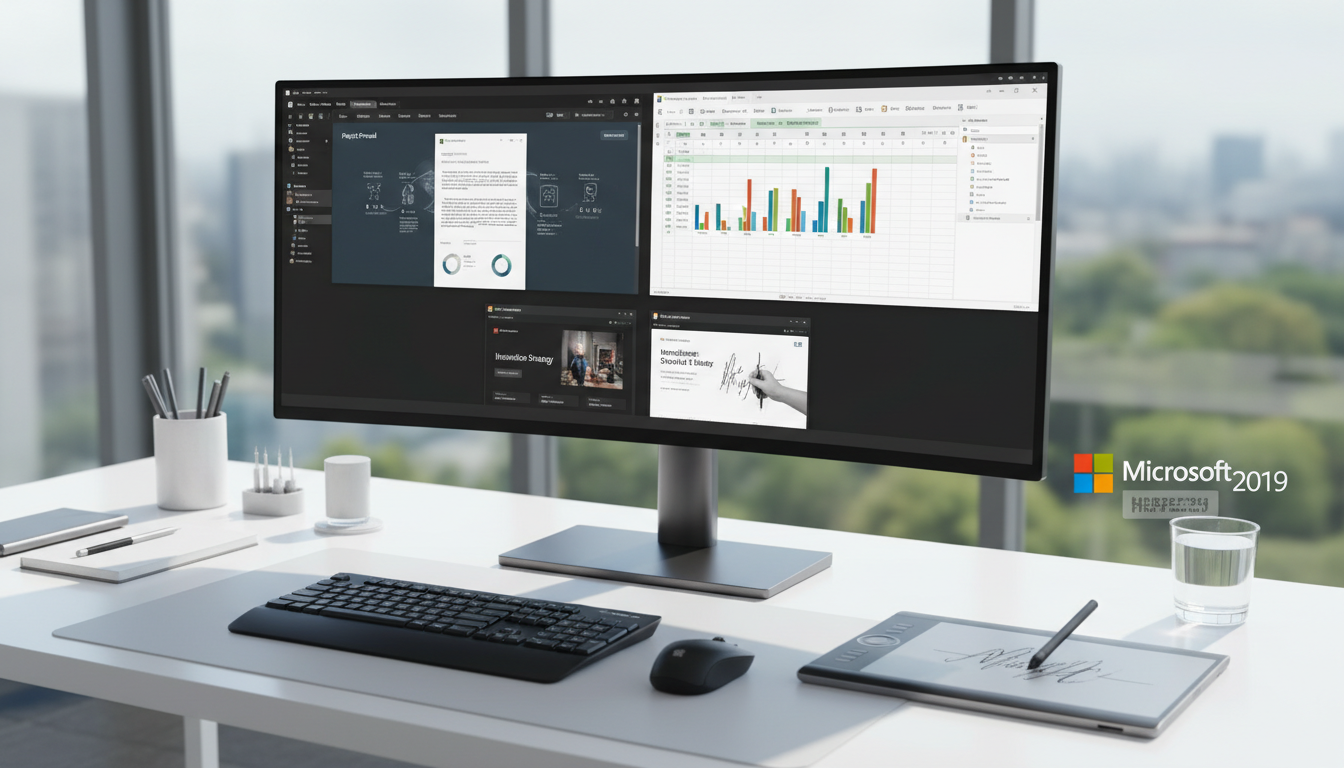
With more than a year on the market, Microsoft Office 2021 is undoubtedly one of the best tools for increasing productivity. With enhanced multi-device compatibility, additional features, and a modern design, the most recent iteration of Microsoft’s classic suite facilitates efficient and productive task completion more than before.
This assessment will examine what makes Microsoft Office 2021 useful for workers in all fields. We’ll explore how the suite functions and performs overall in terms of usability, how it interacts with various operating systems, and how to make the most of some of its helpful features. We’ll also examine its pricing structures in more detail, so you can decide if Microsoft Office 2021 is the best option for you!
Let’s discover all of Microsoft Office 2021’s numerous advantages.
Microsoft Office 2021: Enhanced Productivity
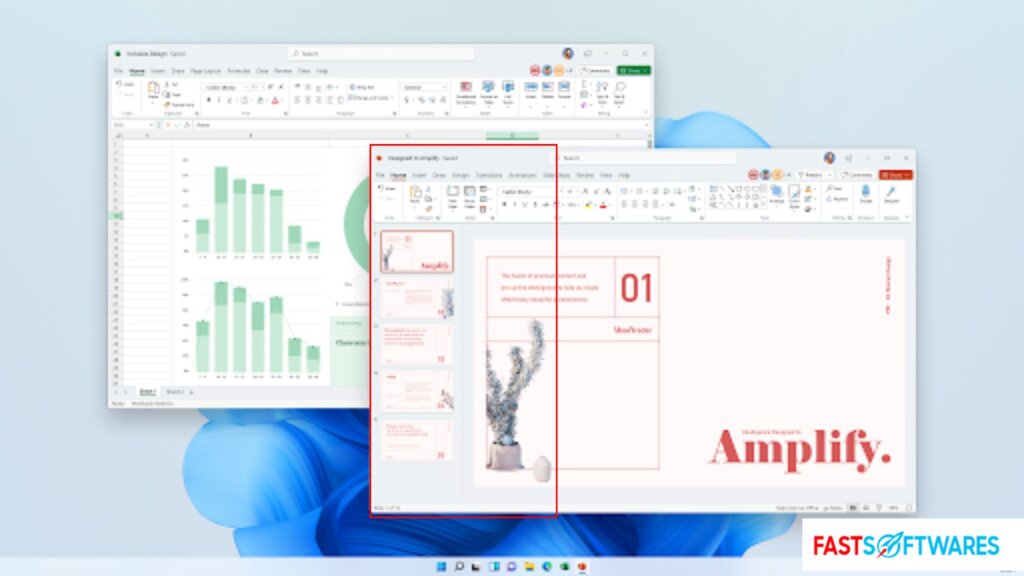
With its diverse range of tools, programs, and features, Microsoft Office 2021 is a potent productivity suite that can help you do more. Office 2021 can help you whether you’re working on a project for work or school or just want to be more organized.
Office 2021 includes several programs, including Word, Excel, PowerPoint, and Outlook. With these programs, you can manage your email and calendar and create documents, spreadsheets, and presentations. All of them are helpful tools that can increase your productivity.
Additionally, Office 2021 has a lot of tools that can simplify your work. For instance, Word’s “Tell Me” function makes locating the instructions you require simple without requiring browsing through every menu item. Additionally, PowerPoint’s “Design Ideas” tool provides you with a range of expertly created themes that you may utilize to make stunning presentations.
In general, Microsoft Office 2021 is a handy tool for increasing productivity. It has numerous tools that can assist you with everything from organizing your email to composing papers. It also has some characteristics that make it simple to use and customize.
Microsoft Office 2021: Compatibility
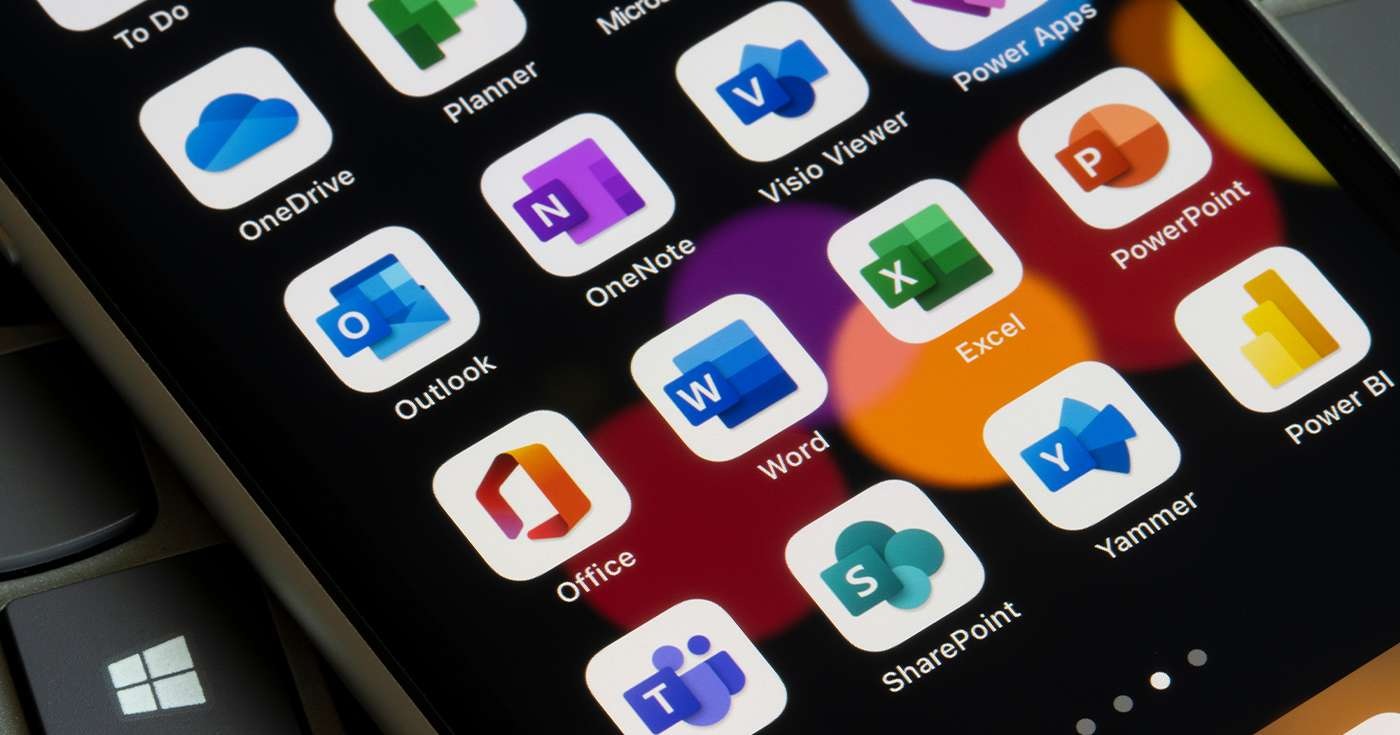
Microsoft Office 2021 can be downloaded and used on multiple operating systems, including Windows 10 and Windows 11, as well as the most recent macOS versions. Because of this, it’s a highly flexible tool that works with most computers and gadgets, allowing you to utilize it anywhere.
Office 2021 is not only compatible with a variety of operating systems but also with Chromebooks. This is fantastic news if you’re a student or you work remotely. Any Chromebook can access your documents, spreadsheets, and presentations; no additional software must be installed, and compatibility concerns are eliminated.
Office 2021 is compatible with Android and iOS, two of the most widely used operating systems. Installing it on your phone or tablet is simple, and its unique interface is optimized for optimal performance on all operating systems. Easily access all of your files at any time, whether you’re at home or work!
You can still use the Office Online website to access most programs from your web browser, even if Microsoft Office 2021 is incompatible with your device. This means that regardless of your system, you may access most of the same features, tools, and functionalities directly from your browser.
As you can see, Office 2021 is highly adaptable and compatible with almost all PCs and devices. The suite is compatible with all operating systems, including Windows 10, macOS 11, iOS, Android, Chromebooks, and others. This makes it a valuable tool for people of all backgrounds.
Features of Microsoft Office 2021
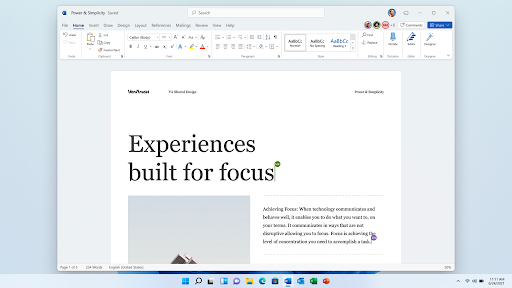
Microsoft Office 2021 is a multipurpose tool with a great deal of capability. Office 2021 offers the features and tools to finish your task quickly, whether you’re creating a complicated company spreadsheet or working on an essay for school. For whatever purpose, you’re guaranteed to discover the appropriate utilities.
Office 2021’s ability to build, export, and import custom templates across all apps is one of its most potent capabilities. Using custom templates, you can make reusable templates with your fonts, colors, and formatting. Because you won’t have to format the text every time, this can save you time when producing new papers.
The capability of Office 2021 to generate sophisticated graphs and charts is another potent feature. Using this tool, you may wow your clients or coworkers by creating professional-looking charts and graphs.
Lastly, Office 2021 has several integrated tools that can help you increase productivity. For instance, “Tell Me” can assist you in finding the precise tool or function you need quickly, and “Focus Mode” can help you maintain your work-related focus. Additionally, many features were upgraded or improved to guarantee improved effectiveness and speed across all apps.
Undoubtedly, Microsoft Office 2021 is the most feature-rich office suite currently available. Office 2021 will offer what you need, whether you are looking for tools to help with professional projects, an impending presentation, or your schoolwork.
Microsoft Office2021: User-Friendliness
To assess its performance accurately, it’s critical to comprehend several of Office 2021’s applications.
All things considered, Office 2021 is incredibly user-friendly and packed with accessible features. The software suite has an easy-to-use interface and is highly user-friendly in terms of usability. Additionally, it has a lot of tools that make creating spreadsheets, documents, and presentations simple.
The adaptability of Office 2021 is another asset. Numerous gadgets, such as computers, tablets, and smartphones, can use it. It is also convenient for personal and professional use because it can be offline or online.
Office 2021 also has several integrated accessibility tools, like text-to-speech and screen reading. Because of this, it’s the perfect tool for anyone with hearing or vision problems. Numerous learning tools are available to personalize your experience and establish a cozy setting.
In conclusion, Office 2021 is an exceptionally accessible and user-friendly office suite ideal for people of all backgrounds and ability levels.
Microsoft Office 2021 Price
The Office 2021 software package provides a wide range of capabilities for both individuals and organizations of all kinds. It offers multiple pricing tiers, and its features stack well against other software solutions available.
You have a range of alternatives to select from when determining which plan best meets your needs. Word, Excel, and PowerPoint are the essentials offered by Home & Student, while Professional also includes Outlook, Access, and Project. Whichever option you select, every package has strong tools to help with work efficiency.
There are two ways to buy Microsoft Office 2021: a subscription through Microsoft 365 (formerly Office 365) or a perpetual license. Each of these strategies has advantages and disadvantages, so let’s examine them in more detail:
You pay once for Office 2021 when you buy it as a stand-alone product with a perpetual license. This can be a compelling choice for people or small businesses who desire the freedom to use the program anywhere without paying a monthly membership fee. You will, however, be paying more upfront than you would with a subscription plan because this is a one-time expense.
Get Microsoft Office 2021 at a Discount
$129.99 (Save 13%) for Microsoft Office 2021 Home & Student
$219.99 (Save 21%) for Microsoft Office 2021 Home & Business
Save 18% on Microsoft Office 2021 Professional, now just $329.99.
Office 2021 Professional Plus from Microsoft: $589.
If you subscribe, you must pay a regular charge to access Microsoft Office 2021 and its features. Since it provides free feature updates and upgrades to the most recent version of Office, this is a better deal if you intend to use the program frequently. But since you’ll have to keep paying for your membership to access your apps going forward, it might be more limited.
Get a Cheap Microsoft 365 Subscription
Monthly Cost of Microsoft 365 Business Basic: $7.19
Yearly Cost of Microsoft 365 Business Basic: $71.99
Monthly Cost of Microsoft 365 Business Standard: $14.59
The best Microsoft 365 Business Standard (yearly) deal is $144.99.
The monthly cost of Office 365 Business Premium is $26.39.
Office 365 Business Premium: $263.99 per year
Microsoft Office 2021’s subscription and perpetual license options are shockingly inexpensive when everything is considered. This productivity suite includes options for personal and business use, so there is something for everyone.
In summary
All things considered, Microsoft Office 2021 is an excellent tool that may significantly increase productivity for users of all skill levels. The entire experience is unquestionably worth the money, even though some aspects could take some getting accustomed to. This is especially true considering how well it interfaces with other widely used operating systems.
There’s no need to search further than Microsoft Office 2021 for a feature-rich and intuitive office suite. Browse our offers for Microsoft Office 2021 to find the best deal for you, then make your order!
Which Microsoft Office suite is best for you? Do you need help? Try the FastSoftwares Quiz or contact our customer service department for assistance now!
Just One More Thing
Are you looking for additional advice? Visit our Help Center and the FastSoftwares Blog to see our other guides! You may get a lot of information on how to solve your computer problems and troubleshoot different situations.
Access our blog entries, promotions, and discount offers early by subscribing to our email. You’ll also be the first to learn about our newest promotions, guides, and other fascinating updates!