How to Activate Office 2007 Ultimate: Step-by-Step License Activation Guide
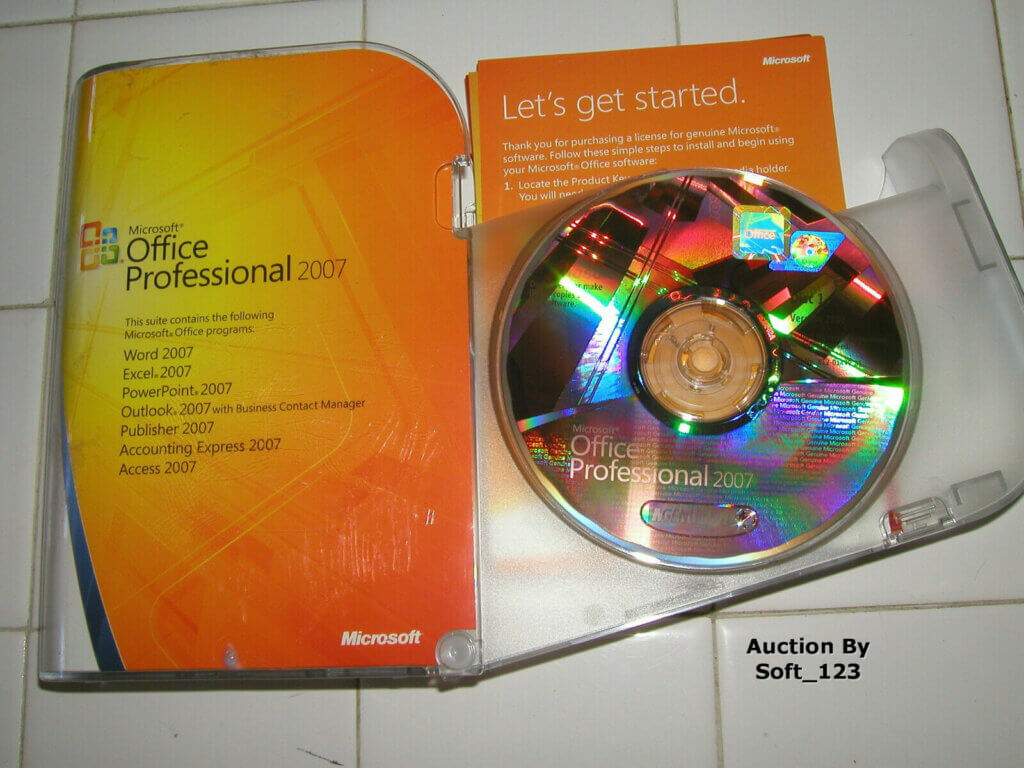
Learning how to activate Office 2007 Ultimate is essential for users who want to unlock the full potential of this robust Microsoft Office suite.
Whether you are an individual, student, or part of a team, activating your license ensures you benefit from complete functionality and legal compliance.
Activation typically happens right after installation, either online or by phone, whenever and wherever you set up your software.
This process is crucial because it verifies that your copy of Office 2007 Ultimate is genuine and authorized.
Following a detailed, easy-to-understand activation guide not only saves time but also secures your investment.
Buying Office 2007 from trusted sellers and performing proper activation is a smart, cost-effective choice for specific users aiming for reliable software performance.
Understanding Office 2007 Ultimate License Activation
What is Office 2007 Ultimate License Activation?
Office 2007 Ultimate license activation is the official process that Microsoft requires users to complete after installing the software. Office 2007 License activation is a way to validate that the copy of Office 2007 Ultimate is legitimate, authentic, and authorized for use.
Without activating the license, the software remains in a limited or trial mode, restricting access to certain features or prompting constant reminders.
This step establishes a secure link between your product key and your computer.
Basically, activation helps Microsoft prevent software piracy and ensures that each license is used according to the terms of purchase.
Activation is necessary to receive updates, support, and full functionality of Office 2007 Ultimate.
There are primarily two recognized activation methods available for Office 2007 Ultimate: online activation and phone activation.
Both methods serve the same purpose but differ in the way the validation data is sent to Microsoft.
Choosing the right method depends on your internet availability and preference.
Ways to Activate Office 2007 Ultimate
Online activation is the most common and user-friendly option.
It involves connecting your computer directly to Microsoft’s servers via the internet.
The process usually takes a few minutes, and the activation is completed automatically with minimal user input.
Advantages of online activation include speed, convenience, and instant confirmation.
However, it requires a stable internet connection, which might not be available for all users.
Online Activation is an official Microsoft method where you enter your valid product key and the software activates over the Internet.
Phone activation is an alternative method designed for users without reliable internet access or those who encounter issues with online activation. This method requires calling a Microsoft automated phone system or a customer service representative.
You will provide installation ID numbers displayed on your screen, and in return, you receive a confirmation ID to input and complete activation.
Phone activation is reliable and equally secure but may take longer and require clear communication.
Both methods are official and supported by Microsoft.
Using these activation processes properly ensures your Office 2007 Ultimate license is valid, which is vital to enjoy the full features and benefits of this software.
Buying Office 2007 Ultimate from trusted sources and following the activation process meticulously is a smart, cost-effective choice, guaranteeing you a trusted and legal product.
Step-by-Step Guide: How to Activate Microsoft Office 2007 Ultimate License
Preparing for Activation: What You Need
Before activating Office 2007 Ultimate, ensure you have the following crucial items at hand.
- First, the official Office 2007 Ultimate license key is essential; it is a 25-character alphanumeric code provided when purchasing the software.
- Second, a working internet connection is necessary if opting for online activation.
- Third, you need administrative access on your computer to allow the activation process to make changes.
- Additionally, make sure your Office 2007 Ultimate installation is complete and without errors.
- Having your Microsoft account credentials handy can be helpful if your license is tied to an account.
- Prepping these items beforehand prevents delays during activation.
Buying Office 2007 Ultimate from reputable sellers like Fastsoftwares guarantees you receive a genuine license key, which simplifies activation and avoids potential complications.
Activate Office 2007 Ultimate: Online Activation Process
- To activate Office 2007 Ultimate online, start by opening any Office application, such as Word or Excel.
- If the software isn’t activated yet, a prompt will appear automatically to begin activation.
- Select the option Activate Product Online.
- Enter your 25-character Office 2007 Ultimate license key accurately.
- Ensure your computer is connected to the internet.
- Click Next, and the software will communicate with Microsoft’s activation servers.
- You should see a confirmation message indicating successful activation.
- If the activation completes successfully, Office 2007 Ultimate unlocks full functionality without further prompts.
- In case of online activation failure, verify your internet connection and license key correctness.
- Retry the process, or proceed with phone activation if problems persist.
This straightforward process shows why learning how to activate Microsoft Office 2007 Ultimate license online is often the preferred method. It’s fast, efficient, and validates your software immediately after installation.
Activate Office 2007 Ultimate: Phone Activation Process
If online activation is not an option, activate Office 2007 Ultimate by phone.
- Open an Office application and when prompted, select Activate by Phone.
- Choose your country or region from the list to get the correct phone number for Microsoft support.
- Call the Microsoft activation center number provided.
- Follow the automated phone instructions carefully.
- You will be asked to enter the installation ID displayed on your screen.
- Input the numbers via the phone keypad as directed by the system.
- After verification, the automated system or support agent will provide a confirmation ID.
- Enter this confirmation ID into the activation window on your computer.
- Click Next or Finish to complete activation.
Phone activation can take longer than online, but it is an effective and secure method to ensure your license is valid. It is particularly valuable for users who have internet restrictions or network issues.
Remember, buying your Office 2007 Ultimate license from trustworthy sellers simplifies access to support and activation assistance.
Troubleshooting Common Activation Issues
Activation issues often arise from incorrect license key entry, network problems, or software conflicts.
If you receive an error stating the license key is invalid, double-check each character in your key for accuracy.
Sometimes, accidental mistypes cause the system to reject the key.
For network issues, verify your internet connection is stable and that your firewall or antivirus software is not blocking Microsoft servers.
Reboot your router or try connecting from a different network if problems continue.
Activation errors might also result from multiple activations on different devices using the same key, which is against Microsoft’s licensing terms.
If you suspect this, contact Microsoft support for guidance.
Persistent problems can be resolved by reaching out to Microsoft customer service or the retailer from whom you purchased the software.
Trusted outlets such as Fastsoftwares often provide customer support to assist with activation issues.
By understanding common pitfalls and solutions, you will find that knowing how to activate Microsoft Office 2007 Ultimate license is straightforward and stress-free.
Proper activation ensures your software runs smoothly and complies with licensing laws.
For more detailed troubleshooting tips, visit Microsoft Support on Activation Errors.
Comparing Office 2007 Ultimate Activation with Other Office Versions
Activation Differences Between Office 2007 and Office 2010/2013
Office 2007 Ultimate activation differs in process and requirements compared to later versions like Office 2010 and 2013.
While Office 2007 relies on online or phone activation mainly through product keys, Office 2010 and 2013 introduced more advanced activation technologies such as product activation tied to Microsoft accounts and licensing management via Microsoft Activation Servers.
Additionally, newer versions support digital entitlement that simplifies the need for manual key entry.
These differences highlight the more traditional approach Office 2007 Ultimate requires.
You need to manually input a product key and complete the activation explicitly.
Newer versions automate much of the process, recognizing digital licenses linked to accounts.
Awareness of these distinctions can help users manage their software licensing expectations and prepare for potential upgrade considerations.
The fundamental activation principle remains verifying legitimate ownership, but Office 2007 Ultimate requires more hands-on steps.
For users preferring a cost-effective and trusted solution, buying Office 2007 and knowing how to activate it properly remains a smart choice.
License Key Usage and Compatibility
License keys for Office 2007 Ultimate are unique to that version and cannot be used for other Microsoft Office editions.
Each key contains embedded information about the product version, edition, and licensing type.
Therefore, you cannot use an Office 2010 or 2013 key to activate Office 2007 Ultimate or vice versa.
Compatibility considerations arise when users plan to upgrade from Office 2007 to later versions; the license key typically will not carry forward.
Instead, a purchase of a new license or subscription is needed for newer editions.
Understanding the specific license key restrictions helps avoid activation failures.
Always purchase Office 2007 Ultimate licenses from reputable sellers such as Fastsoftwares to guarantee you receive valid and compatible keys. This ensures smooth activation and extended software usability.
Conclusion
Activating Microsoft Office 2007 Ultimate correctly is essential to unlock full software functionality and ensure compliance with Microsoft’s licensing terms.
This detailed guide on how to activate Office 2007 Ultimate walks you through preparation, online and phone activation, and troubleshooting common issues.
Understanding activation differences with other Office versions helps users manage their expectations and licensing needs wisely.
To enjoy a seamless and authentic activation experience, buying Office 2007 Ultimate from trusted sellers like Fastsoftwares is a smart, cost-effective choice.
Activate your Microsoft Office 2007 Ultimate license today with Fastsoftwares for a seamless and authentic experience.