
6 Things to Know About Windows 10 S and Windows 10 in S Mode
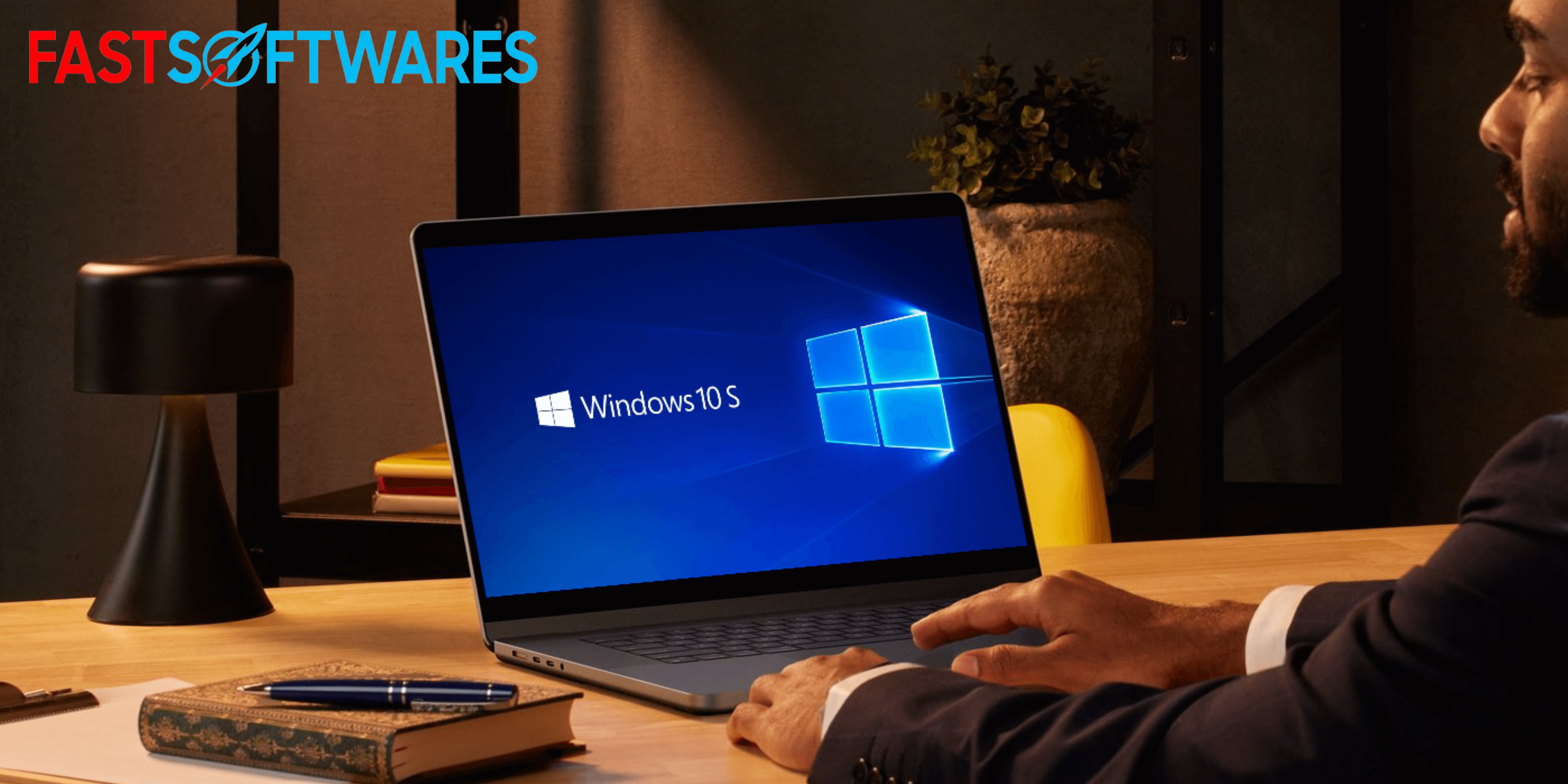
In May 2017, Microsoft unveiled Windows 10S, a stripped-down variant of Windows 10 that prioritizes speed and security. A new option called “Windows 10 in S Mode” was introduced in April 2018 to replace this, and it is available across the whole Windows 10 operating system.
S Mode and Windows 10 both have most of the functionality available in the full version of Windows 10. On the other hand, they can only improve Windows performance and functionality with apps that are available in the Windows Store.
Everything You Should Know About Windows 10 S Mode
Microsoft has responded to the popularity of Google Chromebooks in the education market with these slim Windows 10 editions, which are aimed at students and teachers.
The following are some of the characteristics of Windows 10 in S Mode and Windows 10S:
1. Feel and Appear Like Windows 10
When compared side by side with Windows 10 Pro, Windows 10 S, and Windows 10 in S Mode all seem very similar. The default wallpaper’s style and layout will stay the same, albeit it may look different the first time you use it.
2. Better Results
Because of the lightweight specifications, Windows 10 S and Windows 10 in S Mode start up much faster than Windows 10. Apps and the OS itself load more quickly, and the battery lasts longer.
3. Only utilize apps from the Windows Store
Users running Windows 10S/10 in S mode are limited to using apps available in Microsoft’s Windows Store, which is the main functional difference between the two operating systems.
This covers every product developed by Microsoft, including the entire Office 365 suite, as well as a number of well-known programs including Photoshop Elements, Evernote, and Spotify. Nevertheless, some third-party apps that are not yet accessible in the Windows Store, such Adobe Creative Cloud and Google Chrome, can only be used with the full version of Windows 10.
4. Enhanced Safety
The fact that all apps are security-verified by Microsoft is a benefit of limiting them to the Windows Store. It also removes third-party downloads, which are the usual source of most issues that impact Windows systems.
Windows 10 S/10 in S Mode includes bit-locker encryption to protect users’ files, and Windows Defender is always updated and active. Windows 10 Home does not have these features.
5. Safe Microsoft Internet Browser
If you’re using Windows 10 S or Windows 10 in S mode, Microsoft Edge will be your main browser. As standard, Microsoft Edge is the web browser that comes with Windows 10 and S. Microsoft Edge is an endeavor to enhance the security features of earlier browsers, specifically those that addressed phishing and malware.
Even though Chrome is not compatible with Windows 10 S/10 in S mode, you may still use Edge to browse Google Drive and Google Docs online.
6. able to upgrade to Windows 10 free nothing
If you need an application that isn’t available in the Windows Store, you can use Windows 10 S/10 in S mode to upgrade to Windows 10, the full edition.
One-way switching occurs. Once you have switched out, you can not go back to S mode. Still, you can choose to change it.
Go to the Windows Settings menu, select Update & Security, and then click Activation to accomplish this. Locate the sections labeled “Switch to Windows 10 Home or Pro,” and then select “Go to the Store.” You will be taken to a website where you can exit S mode.
Windows 10 S, when run in S mode, offers a more secure and quicker operating system, but users will have fewer programs to choose from. If you’re looking for a way to use your computer for everyday tasks and browsing while yet staying protected, Windows 10 S or Windows 10 in S mode might be the way to go. Furthermore, if you feel the need for more flexibility, you can always upgrade to Windows 10 Pro, the full version, at no extra cost.
If you are looking for an ethical and trustworthy software vendor, your search ends with FastSoftwares. As a BBB Accredited Business and Microsoft Certified Partner, we strive to provide our customers the software products they need in a trustworthy and satisfying way. With every sale, you can count on our support before, during, and after the transaction.