Microsoft Office Professional Plus 2013: Complete Guide & Purchase Options
Microsoft office 2013 remains a trusted productivity suite for both students and professionals around the globe.
In this article, we delve deep into the various editions of Microsoft Office 2013, particularly focusing on Professional Plus and Home & Student versions.
We explain what each version offers, where you can legally obtain them, and why choosing the right edition is crucial for compatibility and productivity in today’s digital workspace.
Understanding these details will empower you to make an informed decision that aligns with your work or study requirements.
Our discussion covers the steps to safely download, activate, and troubleshoot the software, ensuring that you avoid counterfeit issues and secure reliable access.
We also compare Office 2013 on different platforms, such as Windows and Mac, to showcase performance differences and tips to optimize your experience.
Continue reading to unravel the comprehensive guide that reinforces the importance of selecting the right Microsoft Office 2013 edition for your professional and personal success.
Overview of Microsoft Office 2013 Editions
Microsoft Office 2013 offers a broad range of editions, each tailored to meet diverse needs of users worldwide.
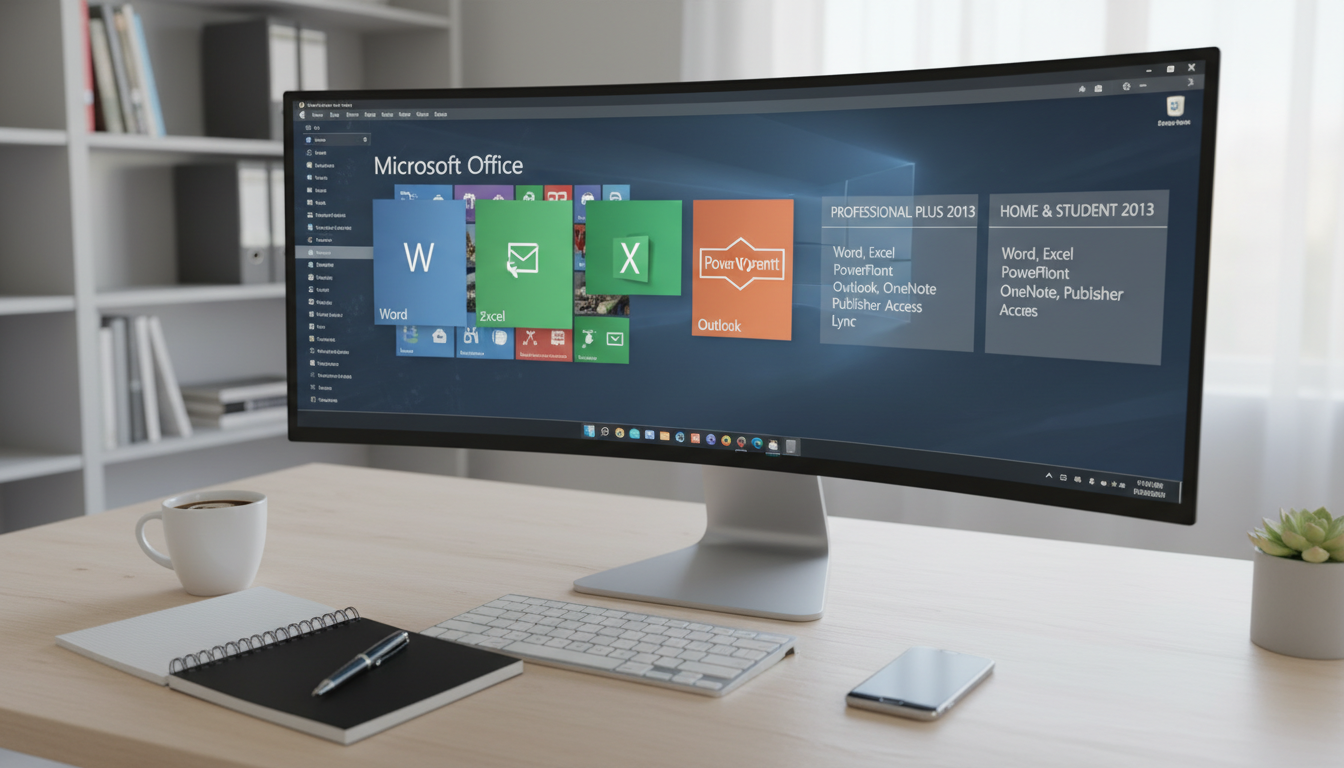
This section explains the key differences between Microsoft Office Professional Plus 2013 and Microsoft Office Home and Student 2013, focusing on features, licensing, and target audiences.
Professionals looking for advanced business tools will appreciate the additional applications and enterprise capabilities available in the Professional Plus edition.
Meanwhile, home users and students enjoy a more streamlined, cost-effective solution that covers essential programs efficiently.
These differences highlight the core message that selecting the correct Office 2013 version significantly boosts productivity and compatibility.
Microsoft Office Professional Plus 2013 Features
Microsoft Office Professional Plus 2013 provides a robust suite of advanced tools specifically designed for business and enterprise use.
This edition includes premium applications such as Outlook, Access, and advanced collaboration tools that support extensive data management and professional communication.
Users benefit from enhanced security measures and integration with enterprise servers, ensuring seamless performance in multi-user environments.
The suite also incorporates specialized apps that optimize workflow and project management tasks, proving essential for busy professionals who require reliable and comprehensive functionalities.
Microsoft Office Home and Student 2013 Features
Designed with affordability and simplicity in mind, Microsoft Office Home and Student 2013 focuses on providing core applications like Word, Excel, and PowerPoint.
This edition targets students and casual users who need a dependable productivity suite for daily assignments and home tasks.
It offers a straightforward interface that prioritizes ease of use and cost-effectiveness without sacrificing fundamental functionality.
The Home and Student edition emphasizes essential features that ensure compatibility with academic requirements and personal projects, making it an ideal choice for users who do not need advanced enterprise tools.
How to Obtain and Activate Microsoft Office 2013
Acquiring Microsoft Office 2013 involves a few straightforward steps that guarantee you receive a genuine product.
In this section, we describe the legal and safe methods of obtaining Microsoft Office 2013, including verified download options and the correct application of product keys.
Securing a legitimate copy not only ensures you have access to essential updates and support but also protects you from the pitfalls of counterfeit software.
Fastsoftwares stands out as a trusted source in this marketplace, assuring buyers of both security and reliability through its certified distribution channels.
Safe Download Sources and Installation
Users looking for a microsoft office 2013 free download must be cautious and opt for legally approved platforms.
Trusted vendors such as Fastsoftwares offer secure download links and verified installation files, eliminating the risk associated with unofficial sources.
By following the installation instructions provided and verifying the legitimacy of the site, you ensure the software is free of malware and properly certified.
Reliable download sources are essential for maintaining system integrity and ensuring that you benefit from all available features without compromise.
Using and Troubleshooting Product Keys
Activation of Microsoft Office 2013 requires the correct usage of a product key, which reinforces protection against unauthorized access.
Enter your microsoft office 2013 product key during installation to unlock full access to its suite of applications.
If issues arise during activation, users can follow troubleshooting tips such as rechecking the key entry, ensuring internet connectivity, and consulting support resources provided by trusted vendors.
These steps help resolve common activation problems, ensuring continuous access to the productivity tools necessary for both work and study.
Microsoft Office 2013 on Different Platforms
Microsoft Office 2013 has maintained a strong presence across multiple platforms, making it accessible to a broad audience.
This section explores the compatibility of Office 2013 on Windows versus Mac, highlighting the benefits and unique challenges associated with each system.
The suite’s versatility allows it to cater to users with different operating systems without compromising on essential features and performance.
Ensuring that you understand these differences can help you optimize your setup for a seamless experience, regardless of your device.
Microsoft Office 2013 for Windows vs.
Mac
Comparing microsoft office for mac 2013 and the Windows version reveals distinct differences, particularly in interface design and additional functionalities.
The Windows version tends to offer more comprehensive support for add-ons and enterprise-grade features, while the Mac variant emphasizes user-friendly design and integration with macOS-specific applications.
Despite these differences, both versions provide a robust set of productivity tools, ensuring that users receive dependable performance.
By understanding these distinctions, you can select the version that best meets your individual operating system requirements.
Tips for Mac Users
Mac users installing Office 2013 must follow specific tips to ensure optimal performance and compatibility.
It is advisable to check for the latest updates and patches provided for the macOS version, as these improve system integration and resolve potential compatibility issues.
Additionally, verifying system requirements and employing best practices during installation can lead to smoother performance.
These recommendations empower Mac users to enjoy all the benefits of Office 2013 while maintaining a stable and efficient work environment.
Comparison with Alternatives and Upgrade Considerations
When evaluating your options for office productivity suites, comparing Microsoft Office 2013 with newer versions and alternative suites is essential.
This section offers insights into how Office 2013 measures up against more recent releases, alongside the benefits and limitations inherent to each option.
While Office 2013 provides tried and tested functionality, users must weigh its features against the evolving capabilities of later software versions.
The decision to upgrade or stick with Office 2013 depends on your personal or organizational needs, balancing cost against the benefits of advanced features.
Microsoft Office 2013 vs Newer Versions
Office 2013 continues to serve as a reliable productivity suite, though newer iterations offer enhanced performance and additional cloud integration.
Users appreciate Office 2013 for its familiar interface and stability, yet acknowledge that contemporary versions may provide more modern features and improved security.
The choice between sticking with Office 2013 or upgrading depends largely on individual requirements such as existing workflows and budget constraints.
This analysis reinforces the value of Office 2013, particularly for those who benefit from its established reliability and straightforward design.
Support and Updates Availability
Support for Microsoft Office 2013 remains available, though the frequency of updates has diminished with the release of newer versions.
Users should remain aware of security patches and end-of-life announcements, which can impact the long-term usability of the suite.
While Office 2013 still provides essential functionality, ongoing support and updates are critical for mitigating security risks and ensuring optimal performance.
Keeping abreast of support timelines and patch releases ensures that users continue to work with secure and efficient software.
Conclusion
In conclusion, understanding the differences between Microsoft Office Professional Plus 2013 and Microsoft Office Home and Student 2013 is key to enhancing productivity and ensuring software compatibility.
This guide reinforces the importance of selecting the appropriate edition based on your specific needs, whether you are a professional seeking advanced enterprise tools or a student needing a reliable core suite.
The detailed acquisition process and platform-specific tips further equip you to make an informed decision.
Purchase Microsoft Office Professional Plus 2013 today from Fastsoftwares at Fastsoftwares for secure and reliable software.