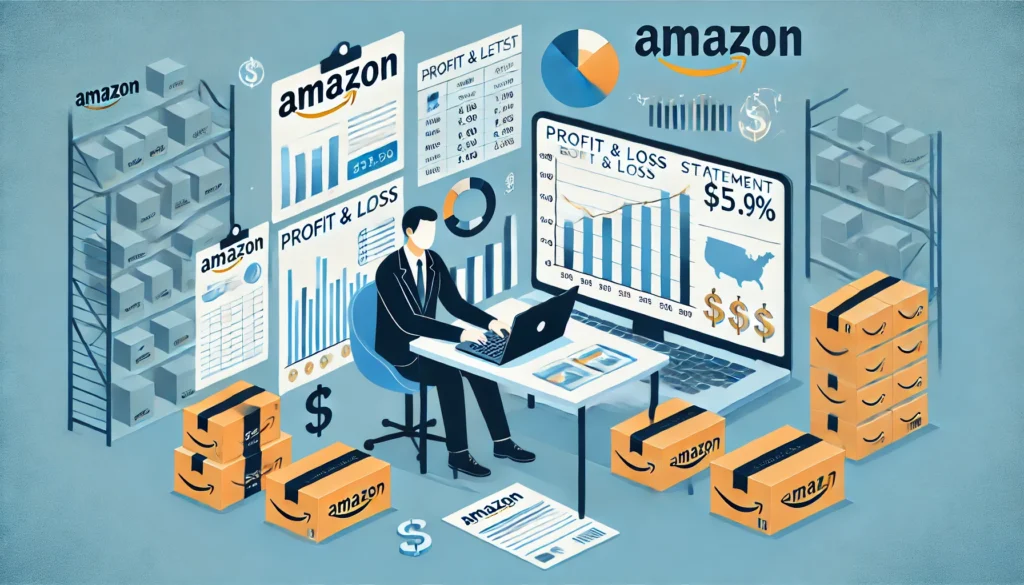
Understanding the Amazon Profit and Loss Statement for Sellers
If you’re an Amazon seller or planning to start selling on the platform, understanding your Profit and Loss (P&L) statement is crucial. It gives you a clear picture of your business’s financial health and helps guide future decisions. In this article, we will break down the key elements of an Amazon profit and loss statement, explain how to track expenses and revenue and discuss strategies for improving profitability.
What is an Amazon Profit and Loss Statement?
An Amazon Profit and Loss statement is a financial document that shows how much money a business made (profit) or lost (loss) during a specific period. For Amazon sellers, this report helps monitor the performance of your store, showing your sales, the cost of goods sold (COGS), and your operating expenses. This information is essential for making informed decisions about pricing, inventory, and marketing strategies.
Why Is It Important for Amazon Sellers?
For Amazon sellers, the Amazon profit and loss statement is more than just a formality. It provides vital insights into your business’s financial performance, such as:
- Revenue trends: It shows how well your sales are growing over time.
- Expense monitoring: You can see if your operational costs are increasing faster than your sales.
- Profit margins: It reveals whether your pricing and cost management strategies are effective.
Without this document, you might make business decisions blindly, which could hurt your long-term profitability.
Key Components of an Amazon Profit and Loss Statement
Let’s look at the major sections of an Amazon seller’s P&L statement:
1. Net Sales
Net sales represent the total revenue you generate from selling products on Amazon, minus any sales returns and discounts. For example, if you sold $5,000 worth of products but had $500 in returns, your net sales would be $4,500.
2. Cost of Goods Sold (COGS)
COGS is the direct cost associated with producing or purchasing the goods you sell. As an Amazon seller, COGS typically includes:
- Purchase costs (the price you pay to your suppliers)
- Amazon FBA (Fulfillment by Amazon) fees
- Shipping costs to Amazon warehouses
- Packaging materials
- Storage fees at Amazon fulfillment centers
For example, if you buy a product for $12 and sell it for $18, the $12 becomes part of your COGS. Most Amazon sellers aim for a gross profit margin of 15-20%, meaning your COGS should represent about 80% to 85% of your total revenue.
3. Gross Profit
Gross profit is what remains after you subtract COGS from your net sales. This number helps you determine if your products are priced correctly and if you are managing costs effectively. For instance, if your net sales are $4,500 and your COGS is $3,500, your gross profit is $1,000.
4. Operating Expenses
Operating expenses include the costs that aren’t directly tied to your product but are necessary for running your business. These could be:
- Advertising and marketing expenses (like Amazon Pay-Per-Click ads)
- Software subscription fees (accounting software, inventory management software)
- Shipping label costs
- Other miscellaneous costs like utilities, warehouse rent (if you use FBM or other non-Amazon services), or consulting fees
By regularly reviewing these expenses, you can identify areas where you might be overspending and where you can cut costs.
5. Net Income
Your net income (or net profit) is the bottom line: it’s what remains after deducting all expenses, including COGS and operating costs, from your gross profit. If this figure is positive, your business is profitable. If it’s negative, you’re running at a loss and need to revisit your strategies.
Net income can be calculated as:
Net Income = Gross Profit – Operating Expenses
For example, if your gross profit is $1,000 and your operating expenses are $700, your net income would be $300.
How to Use a Profit and Loss Statement for Better Decision-Making?
Once you have a clear understanding of your Amazon profit and loss statement, you can use it to improve your business strategies. Here’s how:
1. Monitor Profit Margins
A key indicator of business health is the profit margin. Amazon sellers should aim for a net profit margin of at least 10-15%. Using a percentage calculator can make it easier to accurately calculate your profit margins and understand what percentage of your revenue is actually profit. This helps you quickly spot areas where costs may be cutting too deeply into your earnings.
2. Track Inventory Costs
Excess inventory can lead to high storage costs, especially if you use Amazon FBA. Keeping a close eye on your inventory turnover and matching stock levels to demand can save you money in the long run.
3. Evaluate Advertising Effectiveness
Amazon sellers often spend heavily on ads, especially through the Amazon Pay-Per-Click program. If advertising costs are eating into your profits, it’s time to assess the return on investment (ROI) for each campaign and make adjustments as needed.
4. Adjust Pricing Strategies
Your pricing directly impacts both sales volume and profit margins. By reviewing your P&L regularly, you can experiment with small price increases or reductions to see how they affect both your sales and net income.
Tips for Increasing Profitability on Amazon
To grow your Amazon business, it’s essential to focus on both boosting sales and reducing costs. Here are a few tips:
- Optimize your product listings: Ensure that your product descriptions, keywords, and images are optimized for Amazon search to increase visibility and attract more buyers.
- Leverage AI sales tools: Implement Ai sales tools to analyze customer trends, optimize pricing, and enhance product recommendations, which can lead to increased sales.
- Control COGS: Negotiate better deals with suppliers or look for ways to cut costs in packaging and shipping.
- Use Fulfillment by Amazon (FBA) wisely: FBA can streamline logistics but be mindful of storage fees and long-term inventory costs. Only store what you expect to sell within a reasonable timeframe.
- Expand product offerings: Diversify your product line to attract a broader audience, but be cautious not to overstock items that may not sell quickly.
Final Thoughts
Your Amazon profit and loss statement is not just a snapshot of past performance—it’s a vital tool for steering your business toward profitability. By understanding your sales, costs, and profit margins, you can make better decisions that lead to growth and success on Amazon. Keep a close eye on your P&L, make adjustments when necessary, and always seek ways to optimize both your costs and revenues.
Whether you’re a new seller or an experienced one, regularly reviewing your P&L statement can be the key to ensuring long-term success in the competitive Amazon marketplace.
Understanding your Amazon profit and loss statement is crucial, but having the right software to manage your operations is just as important. Explore Fastsoftwares for top-rated tools to optimize your inventory, streamline your finances, and boost profitability. Take control of your business today!